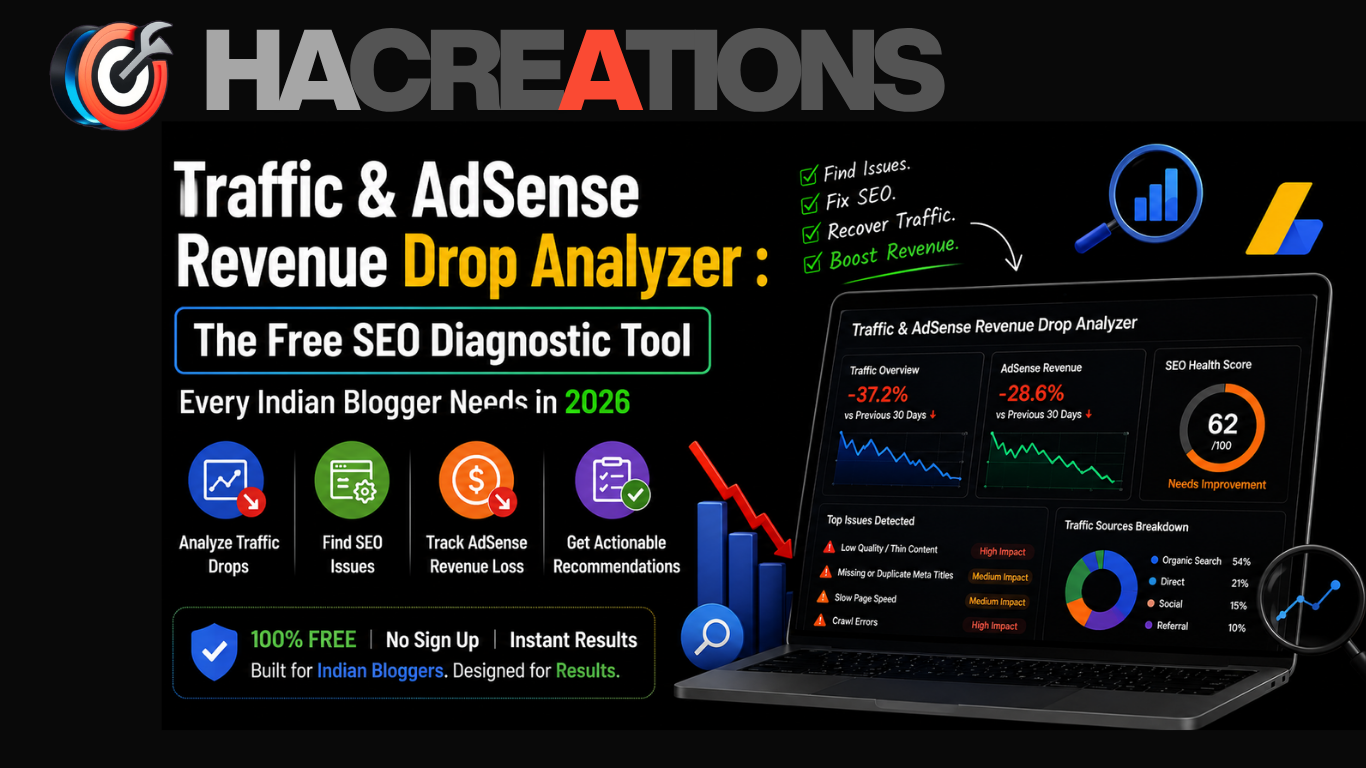
Are you waking up every morning to falling traffic numbers and shrinking AdSense earnings? You’re not alone. Thousands of Indian bloggers and digital marketers are silently losing thousands of rupees every month because they don’t know why their Google rankings dropped — or what to fix first.
HA Creations has built a free, powerful diagnostic engine to solve exactly this problem: the Traffic & AdSense Revenue Drop Analyzer. In this complete guide, we’ll walk you through what the tool does, how to use it step by step, and what kind of insights you can expect from it.
What Is the Traffic & AdSense Revenue Drop Analyzer?
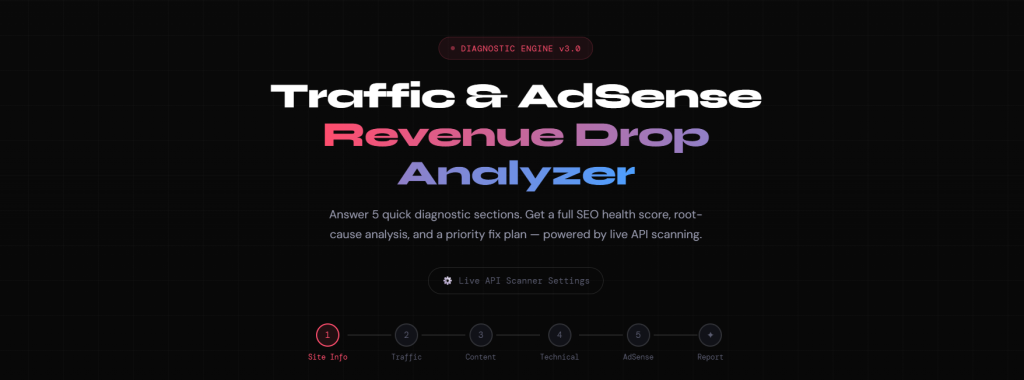
The Traffic & AdSense Revenue Drop Analyzer is a free SEO health diagnostic tool available at hacreations.co.in/link-rot-guardian-tool/. It is part of HA Creations’ free SEO tools suite, built specifically for bloggers, affiliate marketers, and digital creators who run content websites — especially on WordPress.
The tool works by asking you a series of targeted questions across five diagnostic categories:
- Site Info
- Traffic Data
- Content Quality
- Technical SEO
- AdSense Monetization
Based on your answers, the Diagnostic Engine v3.0 generates a full SEO health score, identifies the most likely root causes of your traffic drop, and gives you a step-by-step priority fix plan.
💡 Best for: WordPress bloggers, AdSense publishers, Indian digital marketers, and content site owners who have experienced a sudden or gradual decline in organic traffic or ad revenue.
Why You Need This Tool (The Problem It Solves)
Most bloggers don’t have access to expensive SEO tools like Ahrefs or Semrush. They don’t know whether their traffic drop happened because of:
- A Google algorithm update (Helpful Content, Core Update, Spam Update)
- A technical SEO issue (index bloat, AMP conflicts, sitemap errors)
- Content quality problems (thin content, no E-E-A-T signals)
- AdSense policy violations or invalid traffic
This tool connects all those dots — for free — in under 5 minutes.
Step-by-Step: How to Use the Traffic & AdSense Revenue Drop Analyzer
Step 1 — Navigate to the Tool Page
Go to: https://hacreations.co.in/link-rot-guardian-tool/
Scroll past the Link-Rot Guardian section until you see the section titled:
“Traffic & AdSense Revenue Drop Diagnostic Engine — DIAGNOSTIC ENGINE v3.0”
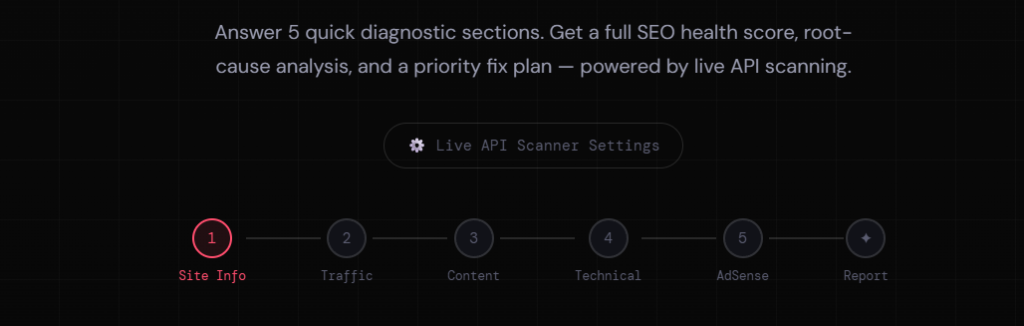
You will see a multi-step form with a clean, numbered tab interface at the top showing: 1 Site Info → 2 Traffic → 3 Content → 4 Technical → 5 AdSense → ✦ Report
Step 2 — Section 1: Site Info (About Your Website)
This is the foundation of your diagnosis. Fill in the following:
| Field | What to Enter |
|---|---|
| Your website URL | Full URL e.g. https://yourblog.com |
| Primary niche / content type | Choose from: Blogging/How-to, Digital Marketing, Tech/AI News, Finance/Crypto, Entertainment, eCommerce, SaaS/Tools, or Mixed/General |
| Website age | Under 6 months / 6–18 months / 1.5–3 years / 3+ years |
| CMS/Platform | WordPress / Blogger / Shopify / Custom |
Pro Tip: Selecting the correct niche is critical. The algorithm uses your niche to calibrate RPM benchmarks and Google policy sensitivity checks.
Click “Continue → Traffic Data ›” to proceed.
Step 3 — Section 2: Traffic Drop Analysis
This is the core of the diagnosis. Answer honestly — your answers directly feed the root-cause algorithm.
Questions in this section:
a) How much has your organic traffic dropped? Use the slider to indicate the severity — from “No drop” to “Partial drop” to “Total collapse.”
b) When did the traffic drop begin?
- Last 30 days
- 1–3 months ago
- 3–6 months ago
- 6–12 months ago
- Over 1 year ago
🔍 This helps the tool match your drop timing against known Google algorithm update dates.
c) What is your Google Search Console average position?
- 1–10 (Page 1)
- 11–20 (Page 2)
- 21–40 (Page 3–4)
- 40+ (Deep pages)
- No GSC data
d) What is your average CTR in Search Console?
- 5%+ (Excellent)
- 2–5% (Good)
- 1–2% (Low)
- Under 1% (Critical)
e) Your indexing status (from GSC → Page Indexing):
- Most pages indexed
- 50–70% not indexed
- 70–90% not indexed
- 90%+ not indexed
- Don’t know
⚠️ Indian blogger alert: Index bloat from tag archive pages is a major silent killer for WordPress blogs in India. If you have hundreds of tag pages, they can push your indexing ratio to dangerously low levels.
Step 4 — Section 3: Content Quality Check
This section evaluates whether Google’s Helpful Content System (HCS) may have flagged your site.
Questions in this section:
a) How is most of your content created?
- 100% Human-written
- Mostly human + some AI editing
- AI-generated + human edited
- Mostly AI-generated
b) Average word count of your blog posts?
- Under 500 words
- 500–800 words
- 800–1,500 words
- 1,500–2,500 words
- 2,500+ words
c) Do your posts have named authors with real bios?
- Yes — full bios + credentials
- Names but no credentials
- Brand name only (no person)
- No author info at all
d) How focused is your content topically?
- One tight niche
- 2–3 related topics
- Many unrelated topics
e) Do you publish content about other brands/sites by name (parasite-style)?
- No, never
- Sometimes (reviews)
- Yes — trending brand names for traffic
f) How many indexed pages do you have in GSC? Use the slider to indicate your range: under 150 to 1,000+.
💡 Google’s E-E-A-T (Experience, Expertise, Authoritativeness, Trustworthiness) framework is heavily weighted here. Sites with no named authors lose significant trust signals.
Step 5 — Section 4: Technical SEO Checkup
A single technical flaw can wipe out months of content work. This section checks the most common culprits.
Questions in this section:
a) XML Sitemap status
- Yes, submitted & valid
- Exists but not submitted
- No sitemap
- Not sure
b) Tag archives / Author archives indexing status
- Properly noindexed ✓
- All indexed (problem!)
- Don’t know
c) AMP (Accelerated Mobile Pages)
- No AMP
- Yes, AMP is active
- Not sure
🚨 Critical for Indian WordPress bloggers: Broken AMP URLs that return 404s while canonical pages exist correctly can cause serious crawl budget waste and indexation problems.
d) Mobile PageSpeed Insights score Use the slider: 0 (Fail) → 50 → 100 (Perfect)
e) HTTPS status
- Yes, HTTPS ✓
- Mixed content issues
- No, still HTTP
f) Schema / Structured Data markup
- Yes — Article + FAQ + Author
- Basic only (just Article)
- No schema at all
g) GSC errors / Manual actions
- No issues / clean
- Crawl errors present
- Manual action received
- Haven’t checked
Step 6 — Section 5: AdSense Revenue Diagnosis
Even if your traffic holds steady, your RPM can tank. This section finds out why.
Questions in this section:
a) Estimated monthly RPM (Revenue per 1,000 sessions)
- Under ₹15
- ₹15–30
- ₹30–60
- ₹60–100
- ₹100+
b) Primary traffic country
- India (80%+)
- India + some global
- Mostly US/UK/AU
- Mixed globally
c) AdSense ad placement
- Auto ads only
- In-content manual
- Sidebar
- Header banner
- Footer only
d) AdSense policy violations or invalid traffic warnings?
- No violations
- Warning received
- Limited ads active
- Ads disabled / banned
e) Number of ads per page
- 1–2 ads
- 3–4 ads
- 5–7 ads
- 8+ ads (very heavy)
💰 RPM context for Indian publishers: Average AdSense RPM in India ranges from ₹15–₹60 for general content. High-RPM niches like hosting reviews, finance tools, and SaaS comparisons can reach ₹100–₹300+. If you’re earning under ₹15 RPM, the tool will flag ad density and placement issues.
Step 7 — Click “Run Full Diagnosis ›”
Once you complete all 5 sections, click the “🔍 Run Full Diagnosis ›” button.
The tool will display a live progress animation showing it is:
- Checking Google algorithm history
- Scoring content quality signals
- Diagnosing technical SEO issues
- Evaluating E-E-A-T and authority
- Calculating RPM recovery potential
- Building priority fix roadmap
Step 8 — Read Your Full Report
Your diagnostic report includes:
1. SEO Health Score (0–100) A numerical score that tells you your overall site health at a glance.
2. Score Breakdown A breakdown showing how each category (Traffic, Content, Technical, AdSense) contributed to your score.
3. Google Algorithm Match The tool identifies which specific Google update (Helpful Content System, Core Update, Link Spam Update, etc.) most likely caused your drop — based on the timing and symptoms you reported.
4. Revenue Analysis & Recovery Estimate A projection of your RPM recovery potential if you fix the identified issues.
5. Diagnosed Issues A prioritised list of the exact problems found across your site — from critical to minor.
6. Recovery Roadmap A week-by-week or month-by-month action plan, telling you exactly what to fix first, second, and third to get your traffic and AdSense revenue back on track.
7. Copy Report Button Use the “📋 Copy Report” button to save your full diagnosis and share it with your team, SEO freelancer, or keep it for your own reference.
Real-World Use Cases
Scenario 1 — The Indian Blogger Whose Traffic Collapsed After HCU A WordPress blogger running a how-to site in India sees a 70% traffic drop in October. They fill out the analyzer, which detects: AI-generated content with no author bio, 900+ tag archive pages indexed, and below-average PageSpeed score. The recovery roadmap prioritises author bio creation, noindexing archives, and content consolidation.
Scenario 2 — The Digital Marketer With Low RPM An affiliate marketer in Ahmedabad earns only ₹12 RPM despite consistent traffic. The tool flags: India-only traffic, auto ads only, and 8+ ads per page causing ad density policy risk. The fix plan recommends targeting 2–3 high-CPC keywords, switching to manual in-content ads, and reducing ad count to 4 per page.
Scenario 3 — The Blogger With Sudden GSC CTR Drop A blogger notices CTR dropped from 3% to 0.8% without any traffic loss. The analyzer identifies: schema markup missing, meta descriptions not optimised, and content topically scattered — all factors that reduce click-through rates even when rankings hold.
Why This Tool Stands Out
| Feature | This Tool | Generic Free Tools |
|---|---|---|
| AdSense RPM diagnosis | ✅ Yes | ❌ No |
| India-specific RPM benchmarks | ✅ Yes | ❌ No |
| Algorithm match (HCU, Core Update) | ✅ Yes | ❌ Rarely |
| E-E-A-T content scoring | ✅ Yes | ❌ No |
| Priority fix roadmap | ✅ Yes | ❌ No |
| 100% Free | ✅ Yes | Sometimes |
| No signup required | ✅ Yes | Often required |
Final Thoughts
The Traffic & AdSense Revenue Drop Analyzer by HA Creations is not just another SEO checklist. It is an intelligent diagnostic engine that combines traffic analysis, content quality scoring, technical SEO auditing, and AdSense performance review into a single, actionable report — in under 5 minutes.
If your blog has experienced any form of ranking decline, revenue drop, or CTR collapse, start here before spending money on paid tools or SEO agencies.
👉 Run Your Free Diagnosis Now → hacreations.co.in/link-rot-guardian-tool/
Published by HA Creations