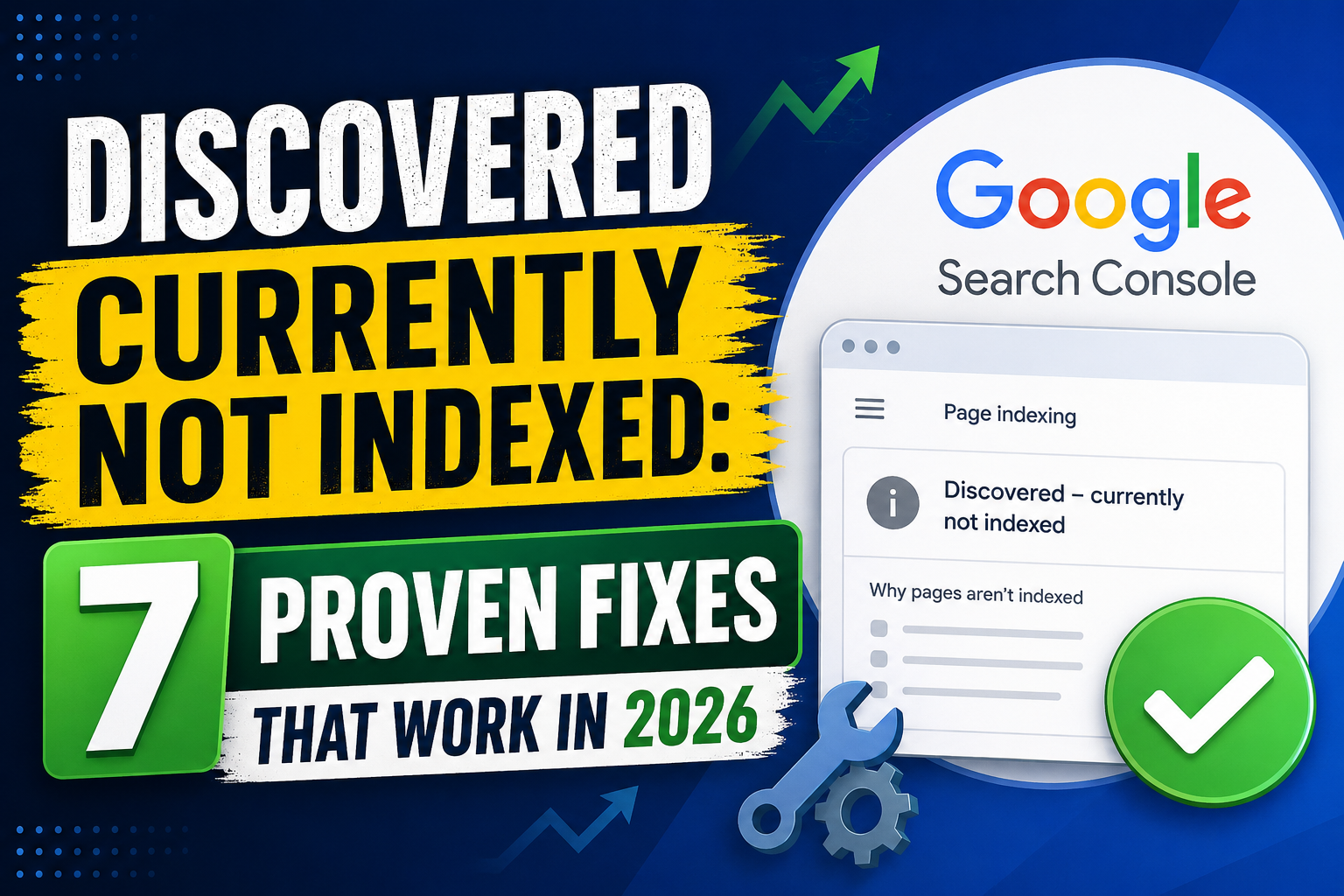
If you’ve opened Google Search Console and noticed the message “Discovered – Currently Not Indexed“, you’re not alone.
how to fix Discovered Currently Not Indexed : 7 Proven Fixes That Work in 2026 :
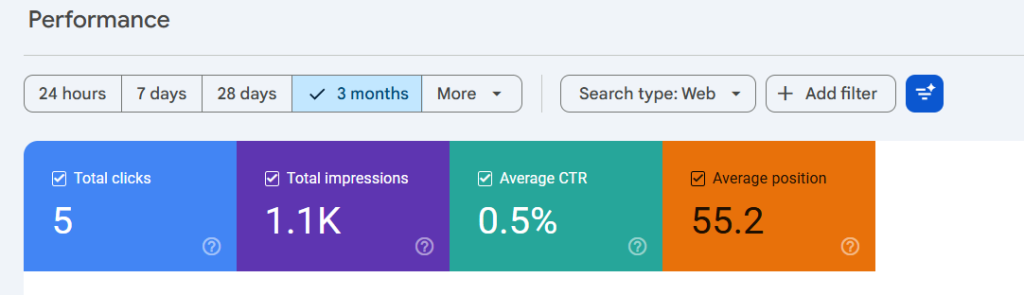
I recently audited a website with hundreds of indexed pages and found that a large number of URLs were stuck in this state. Google knew the pages existed but refused to add them to the index.
The good news is that this issue is usually fixable.
In this guide, I’ll explain what the error means, why it happens, and the exact steps you can take to resolve it.
What Does “Discovered – Currently Not Indexed” Mean?
This status means Google has found the URL but has not crawled it yet.
In simple terms:
- Google knows the page exists.
- Google has not fully processed the page.
- The page is not eligible to appear in search results yet.
This is different from:
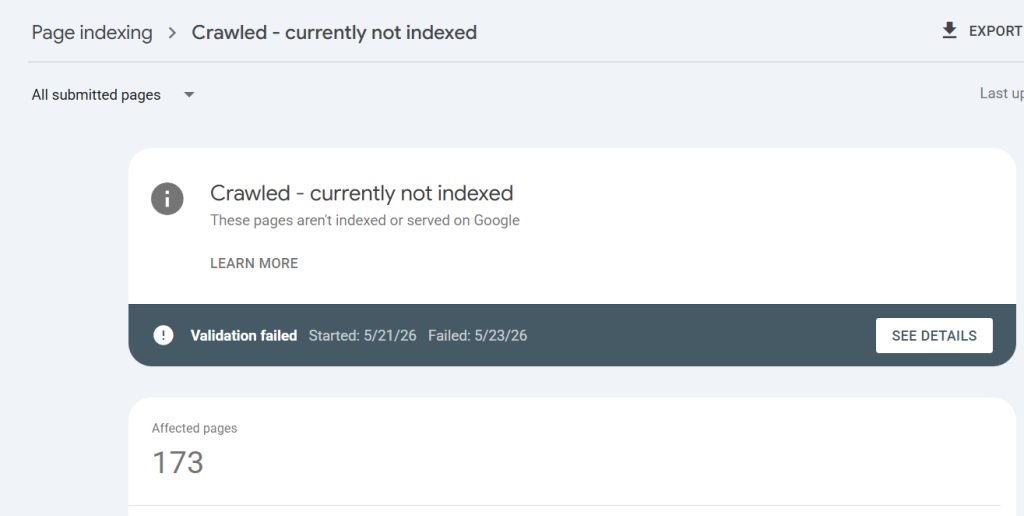
- Crawled – Currently Not Indexed
- Excluded by Noindex
- Duplicate Without User-Selected Canonical
Each issue has different causes and solutions.
Why Does This Happen?
Several factors can trigger this status.
1. Low-Quality or Thin Content
One of the most common reasons is thin content.
If a page contains very little useful information, Google may delay crawling it.
Examples include:
- Short AI-generated posts
- Thin tag pages
- Empty category pages
- Duplicate articles
2. Weak Internal Linking
Google discovers pages through links.
If a new article has no internal links pointing to it, Google may take much longer to crawl it.
Fix
Add links from:
- Homepage
- Related articles
- Category pages
Every important page should receive internal links.
3. Large Numbers of Low-Value URLs
Many WordPress sites accidentally generate:
- Tag archives
- Author archives
- Date archives
- Feed URLs
These pages can waste crawl resources.
Fix
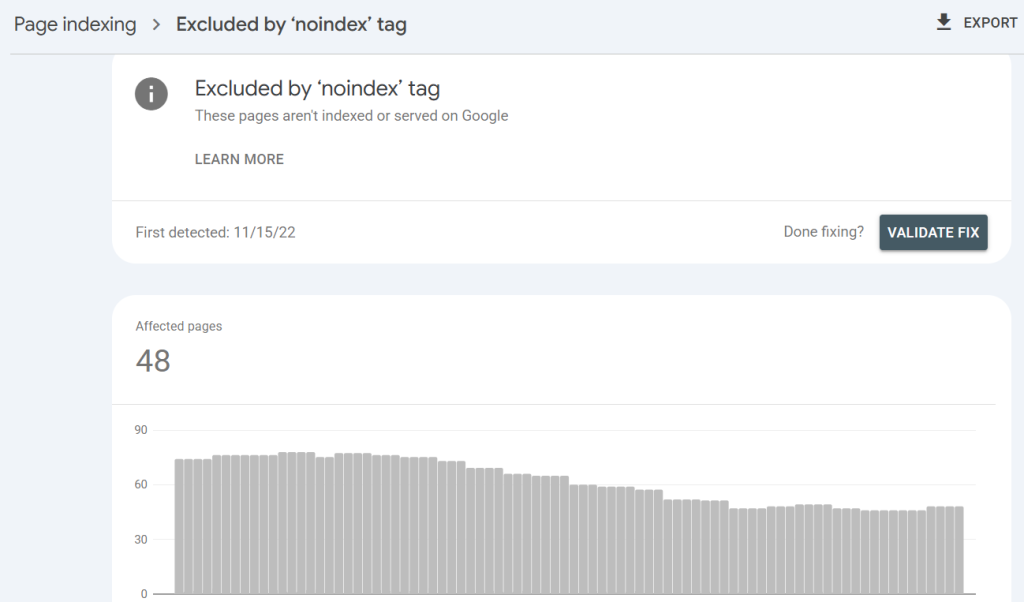
Consider noindexing:
- Tag archives
- Author archives
- Date archives
if they do not provide unique value.
4. Poor Site Structure
When content is scattered across unrelated topics, Google may struggle to determine the site’s expertise.
For example:
- SEO
- Cryptocurrency
- Gaming
- Apps
- Finance
all on one website can dilute topical authority.
Fix
Focus on a single topic cluster.
Examples:
- SEO
- Search Console
- Blogging
- AdSense
Build depth instead of breadth.
5. Slow Discovery of New Pages
Google may simply not revisit your site frequently enough.
This often happens with smaller websites.
Fix
After publishing:
- Submit the URL in Search Console.
- Add internal links.
- Include the page in your XML sitemap.
How to Fix Discovered Currently Not Indexed
Step 1: Check Content Quality
Ask yourself:
- Is this article genuinely useful?
- Does it solve a real problem?
- Is it better than competing pages?
If not, improve it.
Step 2: Improve Internal Linking
Link to the page from:
- Existing articles
- Category pages
- Resource hubs
Internal links help Google understand importance.
Step 3: Update Existing Articles
Rather than publishing dozens of new posts, improve existing content.
Add:
- Screenshots
- FAQs
- Examples
- Updated information
Step 4: Remove Index Bloat
Review:
- Tags
- Archives
- Duplicate URLs
Reducing low-value pages helps Google focus on important content.
Step 5: Request Indexing
After making improvements:
- Open Search Console.
- Inspect the URL.
- Click “Request Indexing.”
This does not guarantee indexing but can speed up the process.
How Long Does It Take to Resolve?
Results vary.
In my experience:
- Minor issues: 3–14 days
- Medium issues: 2–6 weeks
- Large sites: Several months
Patience is important.
Common Mistakes
Avoid these mistakes:
- Publishing hundreds of AI-generated pages
- Requesting indexing repeatedly
- Creating excessive tag pages
- Ignoring internal links
- Covering too many unrelated topics
Frequently Asked Questions
No.It simply means Google has not crawled or processed the page yet.
Not necessarily.
Improve the content first and monitor performance.
AI content alone is not the problem.
Low-quality, repetitive, or unhelpful content is.
Only if the page deserves to be indexed.
Quality improvements are usually more important.
Final Thoughts
The “Discovered – Currently Not Indexed” status is often a sign that Google is unsure whether a page deserves crawling and indexing.
The solution is rarely a technical trick.
Instead, focus on:
- Better content
- Strong internal linking
- Cleaner site structure
- Fewer low-value pages
If you consistently improve quality and topical authority, Google will usually crawl and index more pages over time.